





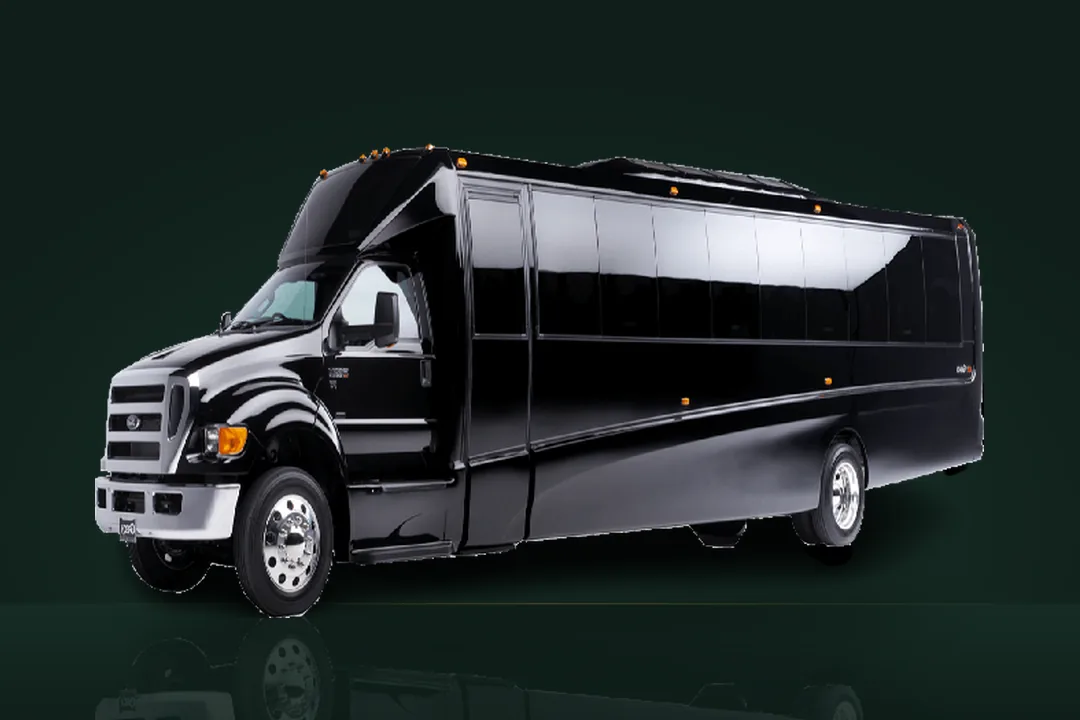








The HuntsvilleLimousine.com app is this website, installed. It opens full screen from its own icon on your phone, tablet or computer, starts with the reservation engine, and keeps the dispatch number and WhatsApp one tap away - handy at the arrivals curb at Pearson, on a cottage dock with one bar of signal, or when you book the same Muskoka run every month.
What you get
- Booking in one tap. The same reservation engine as the website, with the all-in fixed fare on screen before you confirm.
- Dispatch on speed dial. Call (877) 508-3344 or open WhatsApp from the app at any hour - a person answers, every day of the year.
- Packages and rates at hand. Round-trip packages with secure card checkout, the fare calculator and the airport pages, without searching for us again.
- Works on a weak signal. Pages you have opened recently stay available offline, and if the connection drops completely the app still shows how to reach dispatch.
- Nothing to update. Every time you open it you see the current site - new fares, packages and pages arrive by themselves.
How to install it
iPhone and iPad (Safari)
- Open huntsvillelimousine.com in Safari.
- Tap the Share button (the square with an arrow pointing up).
- Scroll down and tap Add to Home Screen, then Add.
The HuntsvilleLimousine icon appears on your home screen. On iOS the app has to be added from Safari.
Android (Chrome, Samsung Internet, Edge)
Tap Install the app on this page and confirm. No button? Open the browser menu (three dots) and choose Install app or Add to Home screen.
Windows, Mac and Chromebook (Chrome or Edge)
Click Install the app on this page, or the install icon at the right end of the address bar, then Install. The app gets its own window and appears in the Start menu, Launchpad or app shelf.
Is it safe? What does it access?
The app is the same secure website at https://huntsvillelimousine.com, so it has no access to your contacts, photos, location or files. It does not track you between other apps, and it collects nothing beyond what the website does - see the privacy policy. Remove it any time like any other app: long-press the icon and choose Remove, or uninstall it from the app's own window on a computer.
Prefer not to install anything? Everything in the app works on the website too - book now, see the round-trip packages or contact dispatch.